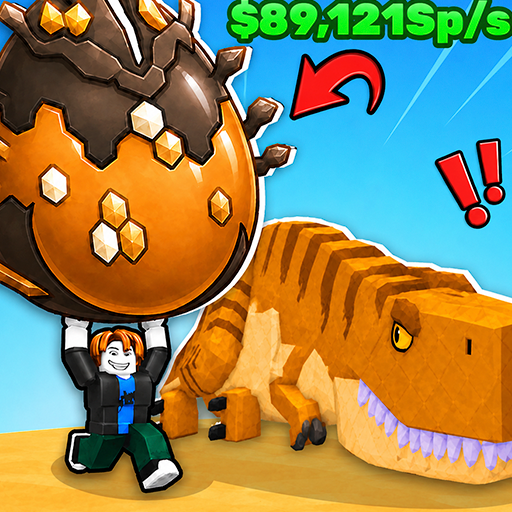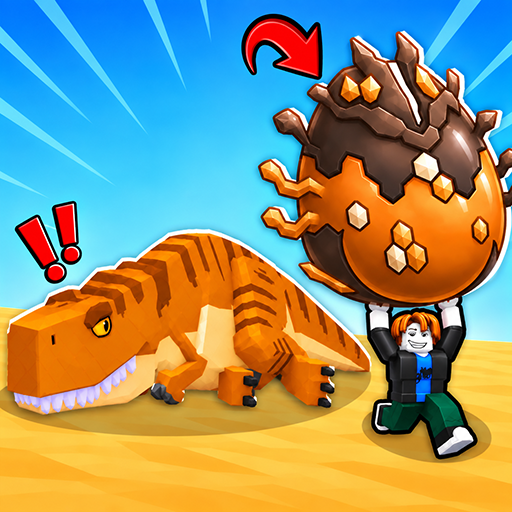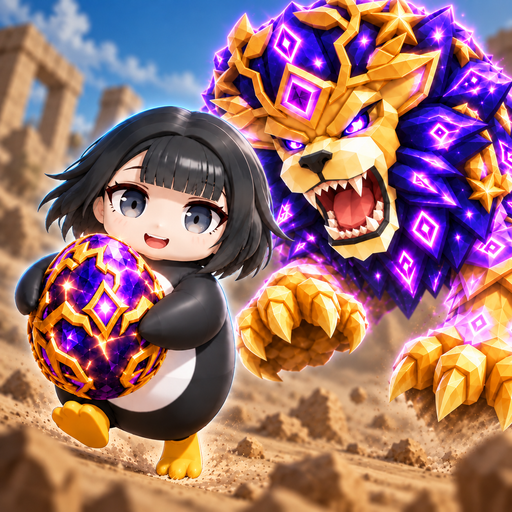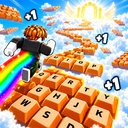
Obby: +1 Speed to escape from the Keyboard!
Welcome to the world of +1 Keyboard: where candy meets adrenaline! 🍫 Every step you take accelerates you. Jump, slide and race through sugar worlds, gaining incredible speed. 💪 Upgrade your skill, unlock powerful multipliers and prove that you deserve to be the fastest sweet tooth on the server! 👥 Set up a race with friends and rivals from all over the world. 🚀 Here, speed decides everything... But remember: one wrong step and you're starting over. Are you ready to take the risk? 😱
- Genre: Arcade, Casual
- Controls: Follow the instructions inside the game
- Access: Browser game
Play now
6,387 players online
How to play
-
Open the game
Select Play now to open the game in its dedicated play screen.
-
Follow the in-game instructions
Use the controls and objectives shown inside the game to get started.
Game instructions
Run on the keys and gain speed! PC: WASD - for character movement. The mouse is used to rotate the camera. The space bar is for jumping. The mouse wheel is used to zoom in or out of the camera. Mobile: The left joystick (on the left side of the screen) is for character movement. The right joystick is for the character to jump. Swipe your finger across the screen (on the right side of the screen) to control the camera.
-
Use the game menu
Open the menu to restart the game or return to the game collection.